

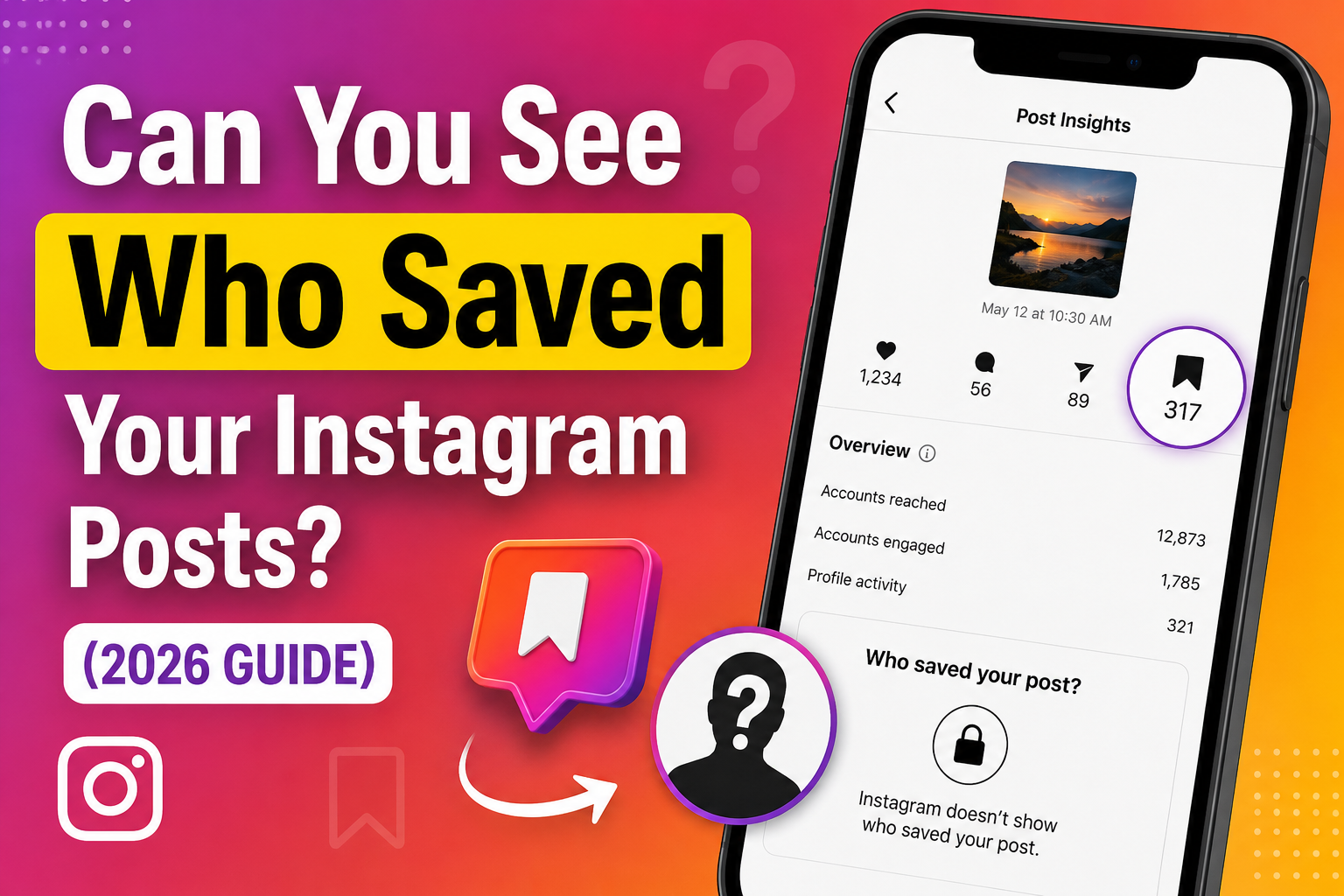
Instagram saves have become one of the most valuable engagement signals for creators and businesses. A saved post often indicates that someone found your content useful enough to revisit later. Because of this, many users wonder if Instagram allows them to see exactly who saved their posts.
In this 2026 guide, we’ll explain what Instagram actually shows, what remains private, and how you can use save insights to better understand your audience and improve future content.
Can You See Who Saved Your Instagram Posts?
No, Instagram does not allow users to see exactly who saved their posts. Whether you use a personal, creator, or business account, the platform keeps the identities of people who save your content private, so usernames are never revealed.
However, if you have a Professional account, you can access save statistics through Instagram Insights. While these insights will show how many times a post has been saved, they do not reveal which specific users saved it. This allows creators and businesses to measure how valuable or useful their content is without compromising the privacy of their audience.
What Save Information Does Instagram Actually Show?
Instead of showing who saved your content, Instagram provides engagement insights that help creators measure content performance.
| 📊 Comparison Table | ||
| Instagram Save Data: Personal vs Professional Accounts | ||
| Feature | Personal Account | Professional Account |
| See who saved your posts | No | No |
| View total saves | No | Yes |
| Access Instagram Insights | No | Yes |
| Track post engagement | No | Yes |
| View reach & impressions | No | Yes |
Why Does Instagram Keep Saved Posts Private?
Instagram keeps saved posts private to protect user privacy. This allows people to save content freely without creators knowing exactly who saved it.
Instead of showing individual users, Instagram provides overall save metrics through Instagram Insights for Professional accounts. This helps creators measure content performance while protecting audience privacy.
Why Saves Matter More Than Many Creators Realize
Many Instagram creators focus mainly on likes, but saves can reveal even more about how valuable a post is. Users usually save content they want to revisit later, making saves a strong indicator of long-term value. Posts that receive more saves often continue attracting engagement even after they have been published.
What Type of Content Gets Saved More Often?
People usually save Instagram content they find useful or want to revisit later. Posts that provide practical information, inspiration, or easy-to-follow guidance are often saved more frequently than content meant for quick entertainment.
Common examples include:
- Educational carousel posts
- Step-by-step tutorials
- Checklists
- Tips and tricks
- Infographics
- Travel or shopping recommendations
How to Check Your Instagram Save Count
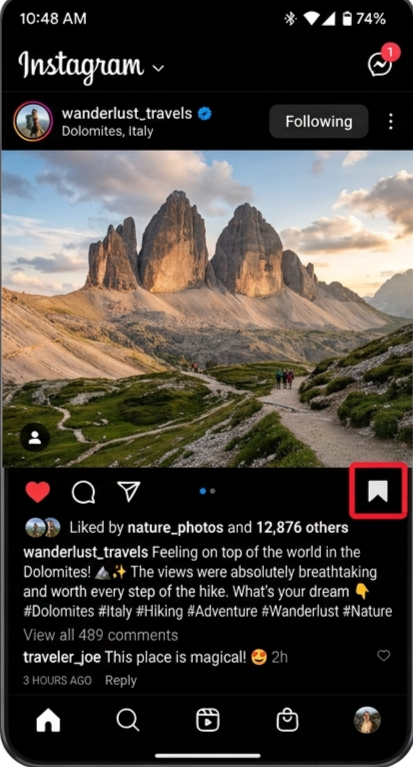
You can check how many times your Instagram post has been saved if you have a Professional account.
- Open Instagram.
- Select your post.
- Tap View Insights.
- Find the Saves metric.
This feature is available only for Creator and Business (Professional) accounts.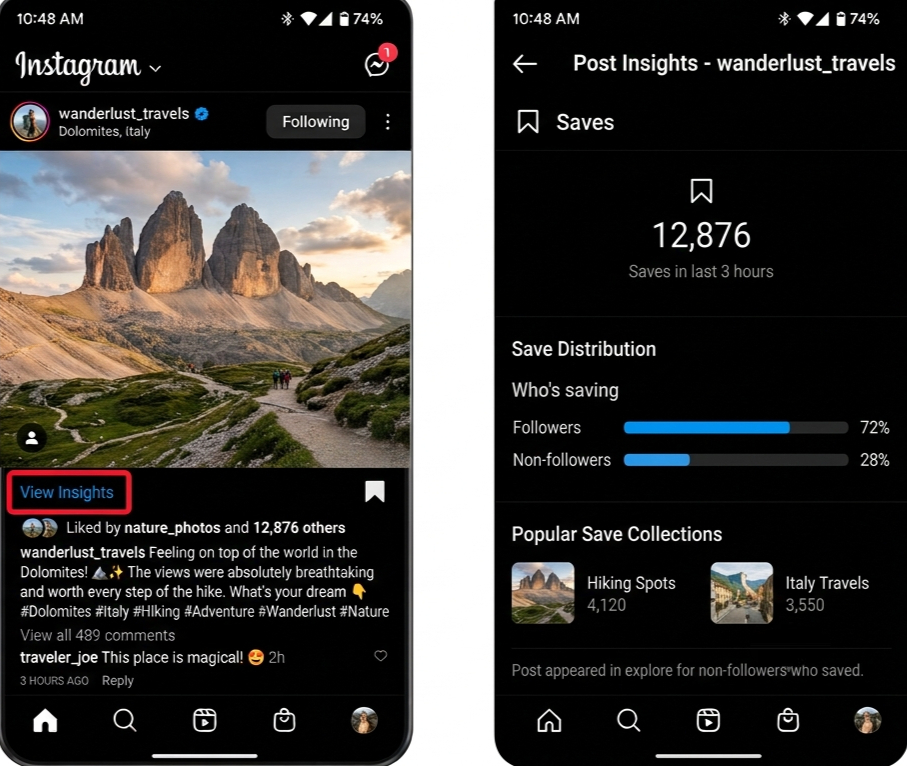
Can Third-Party Apps Show Who Saved Your Posts?
No. Although many apps and websites claim they can reveal who saved your Instagram posts, no legitimate app has access to this information because Instagram does not provide it through its API. Be cautious of apps that ask for your Instagram login details or promise to show the identities of users who saved your content, as these claims are not supported by Instagram and may put your account at risk.
Tips to Increase Instagram Saves Naturally
Instead of focusing only on likes, create content that people find useful enough to revisit. Posts that provide lasting value are more likely to be saved and viewed again later.
- Solve common problems
- Share practical advice
- Use carousel posts
- Write clear captions
- Create evergreen content
Use Instagram Insights to Improve Future Posts
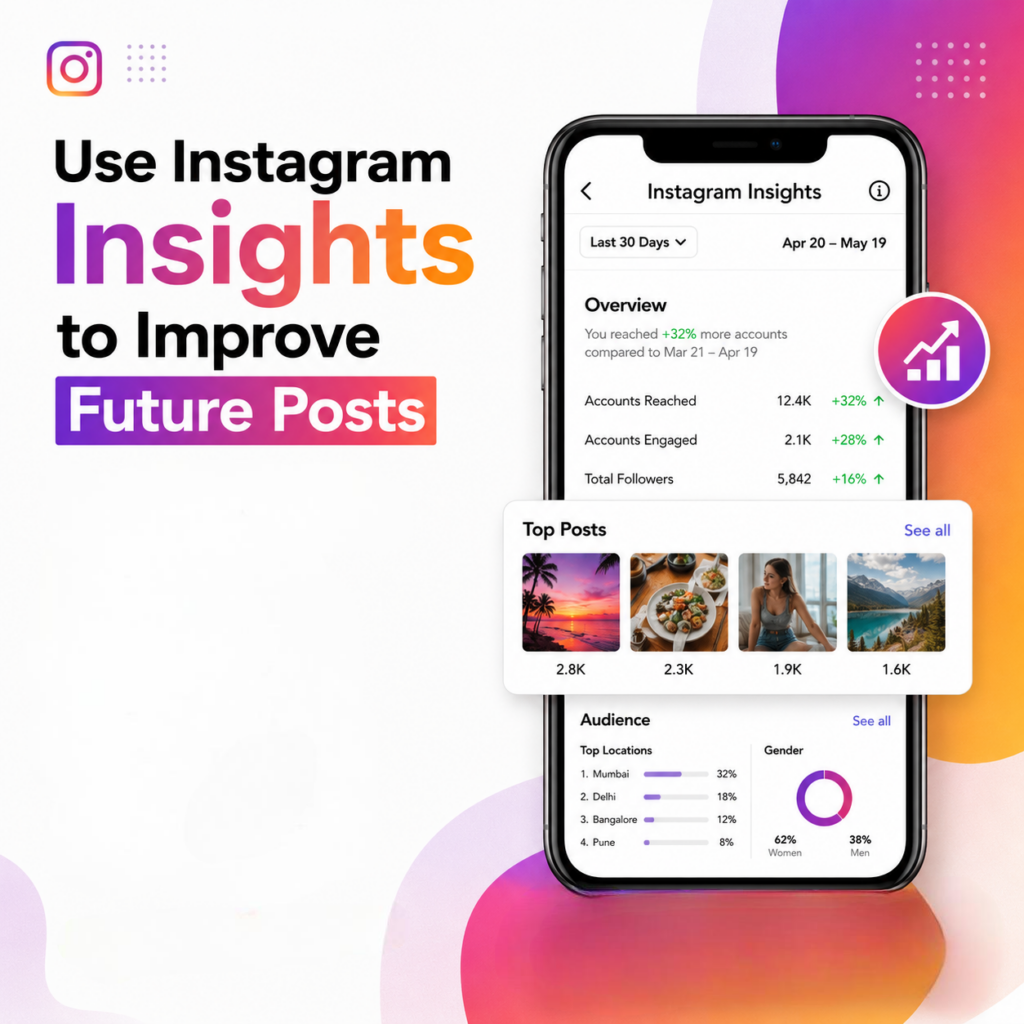 Instagram Insights can help creators make better content decisions over time. By regularly reviewing analytics, you can compare saves with reach, shares, profile visits, and other engagement metrics to understand what your audience values most. These insights make it easier to identify successful content patterns and improve future posts.
Growing Valuable Content Starts With Better Visibility
Creating valuable content is important, but people need to discover it before they can engage with it. Better visibility helps your posts reach more relevant audiences, creating additional opportunities for saves, shares, and long-term engagement. Using the right strategies and reviewing your profile’s performance can help you understand what works best over time.